Quick Answer
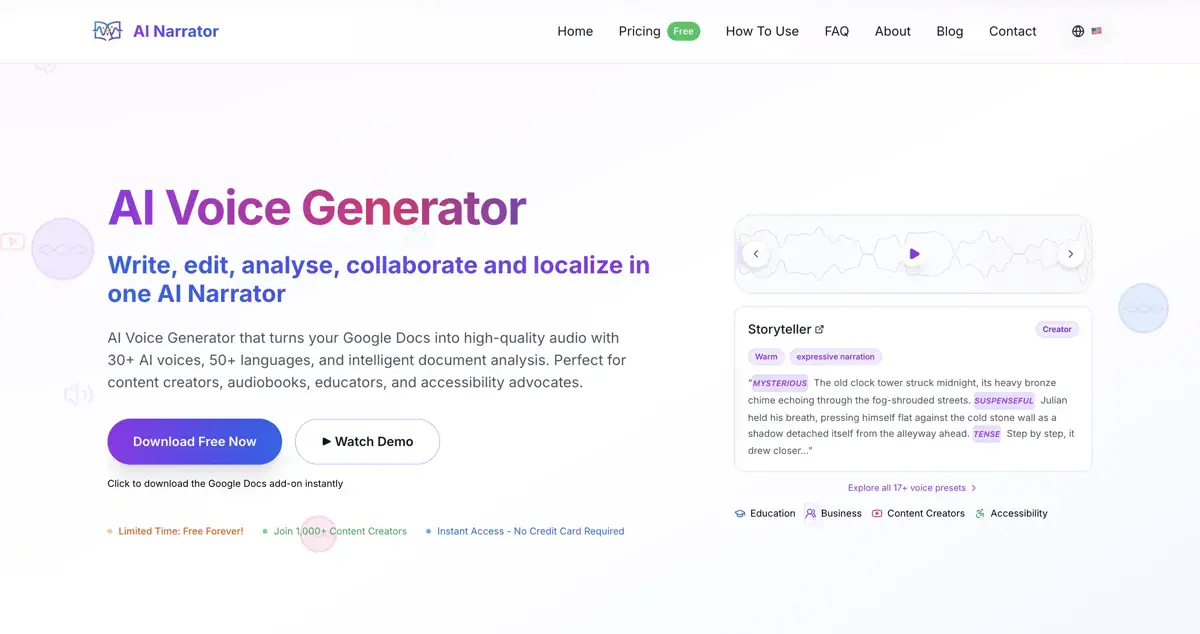
The best AI Narrator presets for audiobooks are Storyteller (rich, cinematic narrative pacing) and Cozy Read (warm, intimate storytelling). AI Narrator includes 19 curated presets, so you can skip complex configuration and generate natural, expressive audiobook audio directly from Google Docs.
Top AI Narrator Presets for Audiobook Narration
Want to hear these voices yourself?
Try our AI Narrator for free right now. No sign-up required.
Storyteller Preset
Optimized for fiction, novels, and dramatic narratives. Mid-tones with a slightly slower pace help carry suspense and emotional depth.Cozy Read Preset
Best for memoirs, self-help, and essays. Cozy Read uses warm, soft, intimate vocal characteristics that build trust with the listener.Deep Narrative Preset
Good for mysteries, sci-fi, or deep non-fiction. An authoritative, low-register voice lends gravity and dramatic tone.
Audiobook Preset Comparison
| Preset Name | Tone / Style | Best Genre |
|---|---|---|
| Storyteller | Rich, Dramatic | Fiction, Novels |
| Cozy Read | Warm, Soft | Memoirs, Self-Help |
| Deep Narrative | Authoritative, Low | Sci-Fi, Thrillers |
| Clear Scholar | Articulate, Crisp | Biographies, Textbooks |
Step-by-Step: Formatting Google Docs for Audiobook Conversion
Ready to Try AI Narrator?
Start converting your Google Docs into professional audio today. Free forever!
Add to Doc - It's freeStep 1: Clean Up Special Characters
Voice engines read punctuation and text literally. Remove double dashes, excessive exclamation points, and bracketed notes.
Write out abbreviations you want spoken in full (e.g., write "Doctor" instead of "Dr." if the narrator trips over it).
Step 2: Add Natural Paragraph Breaks
AI Narrator inserts natural pauses at paragraph breaks. Avoid extremely long blocks of text so listeners get a breath between sections.
Keep paragraphs to about 3-4 sentences for the best rhythmic pacing.
Step 3: Select Your Audiobook Preset
Open the AI Narrator sidebar in Google Docs and choose a preset like "Storyteller" or "Cozy Read" from the voice options.
The preset pre-configures pacing, tone, and emotional delivery for natural audiobook flow.
Step 4: Generate and Download
Generate the narration. AI Narrator processes the document section by section; WAV download is available on Pro.
The resulting files can be taken to audiobook platforms like ACX or Findaway, with a little light post-processing.
Related Guides
- How to Turn Google Docs into Audio Files — Step-by-step audio conversion methods.
- Complete Guide to Text to Speech in Google Docs — Full tutorial with best practices.
- How to Use AI Voices for E-Learning — Voice presets optimized for educational content.
- AI Narrator vs ElevenLabs — How AI Narrator compares for audiobook production.
Hear your own text read aloud — free, right here
Paste any text and listen in 29+ natural AI voices. No download and no sign-up required.
Open the Free Text-to-Speech ToolDisclosure
Some of the tools compared on this site — including AI Narrator — are our own products. We review them on the same footing as competitors, on current pricing and hands-on testing, and always tell you when a product is ours.