Free Chrome Extension
Turn Any Webpage into AI Audio 29+ Voices, Multilingual, Drive Save
Read any webpage aloud with natural speech. 29+ realistic voices, one click. Works with Google Docs, ChatGPT, and any site.
Who Needs AI Narrator?
01
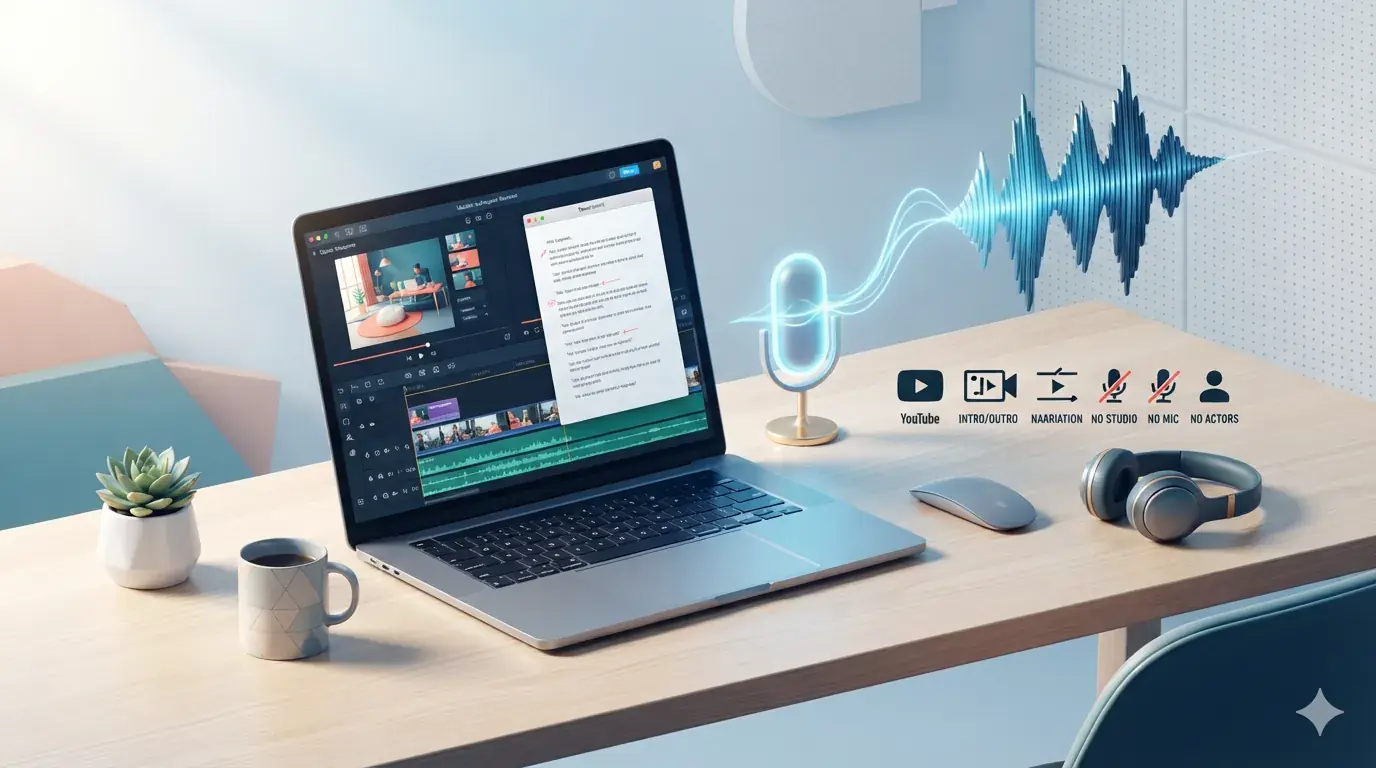
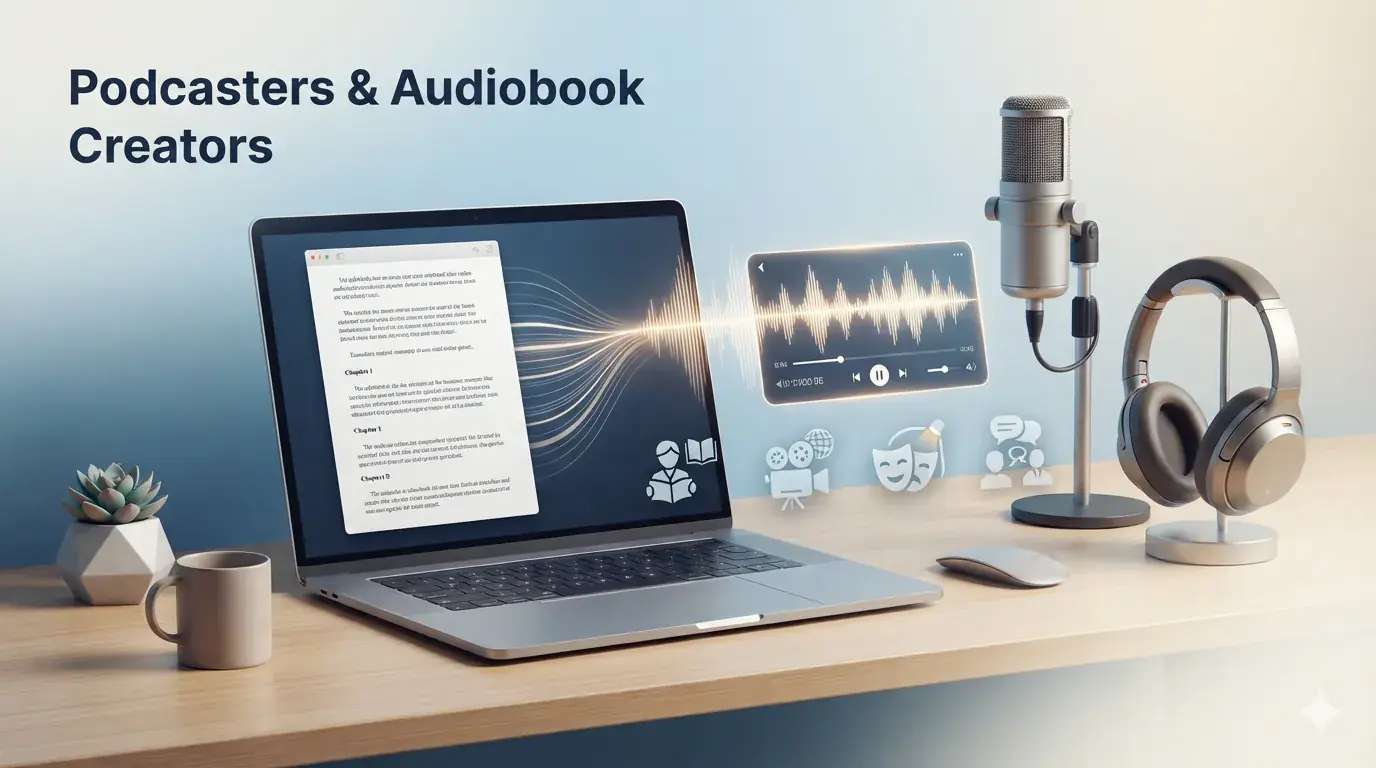
Content Creators & YouTubers
Quick recordings for videos and scripts
02
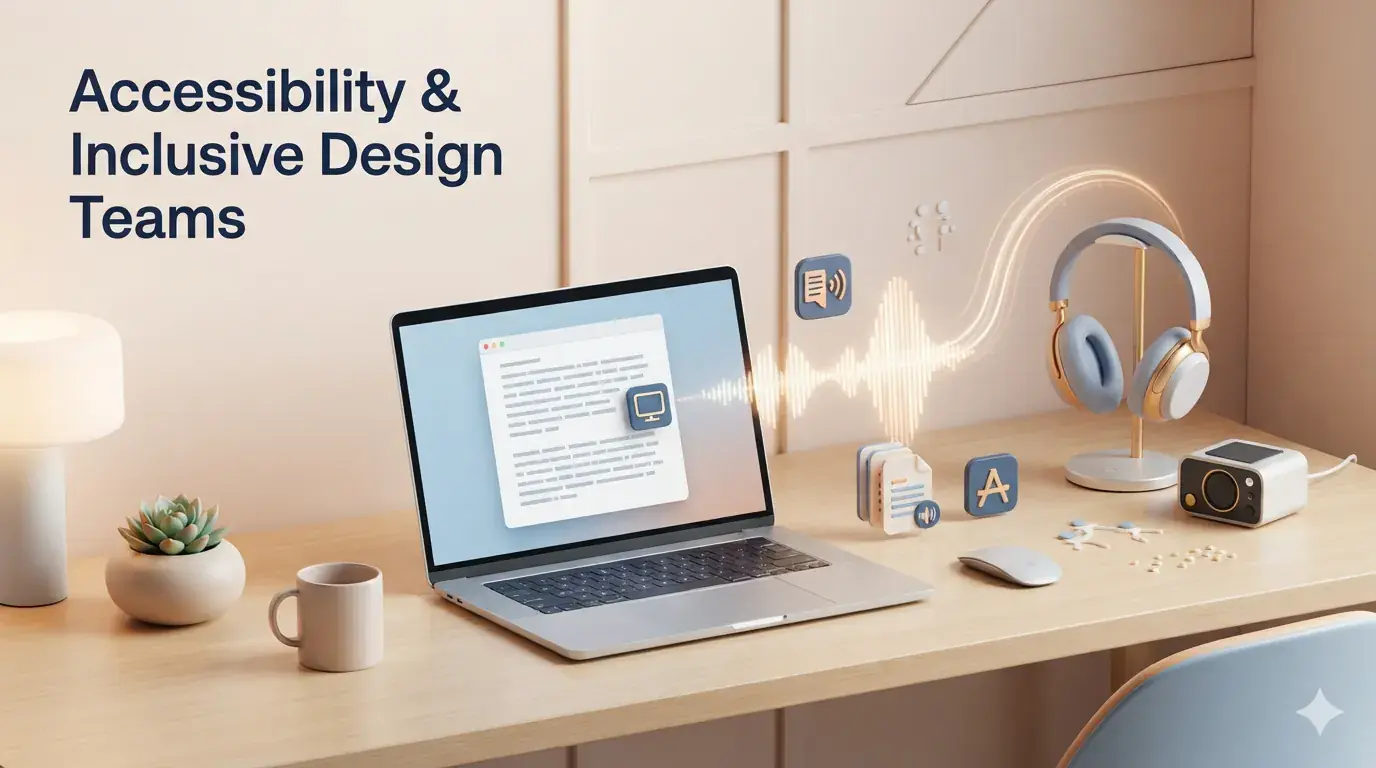
Students & Professionals with Dyslexia
Listen instead of reading for better comprehension

03
Busy Multitaskers
Listen to articles, reports, and Docs hands-free during commutes
04
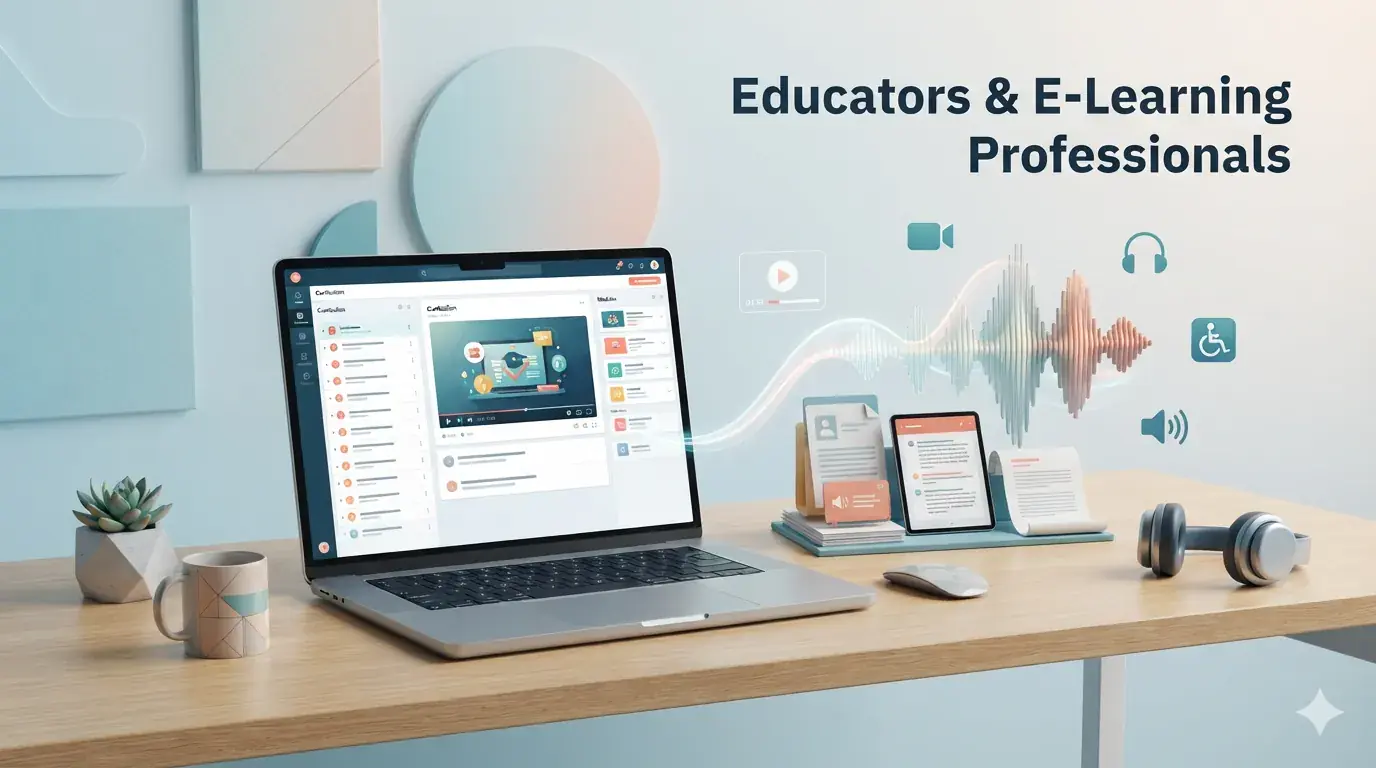
Educators
Create accessible audio versions of lesson plans and study materials
05
Non-Native Speakers
Improve pronunciation by hearing text read aloud
Powerful Features
29+ Natural Voices
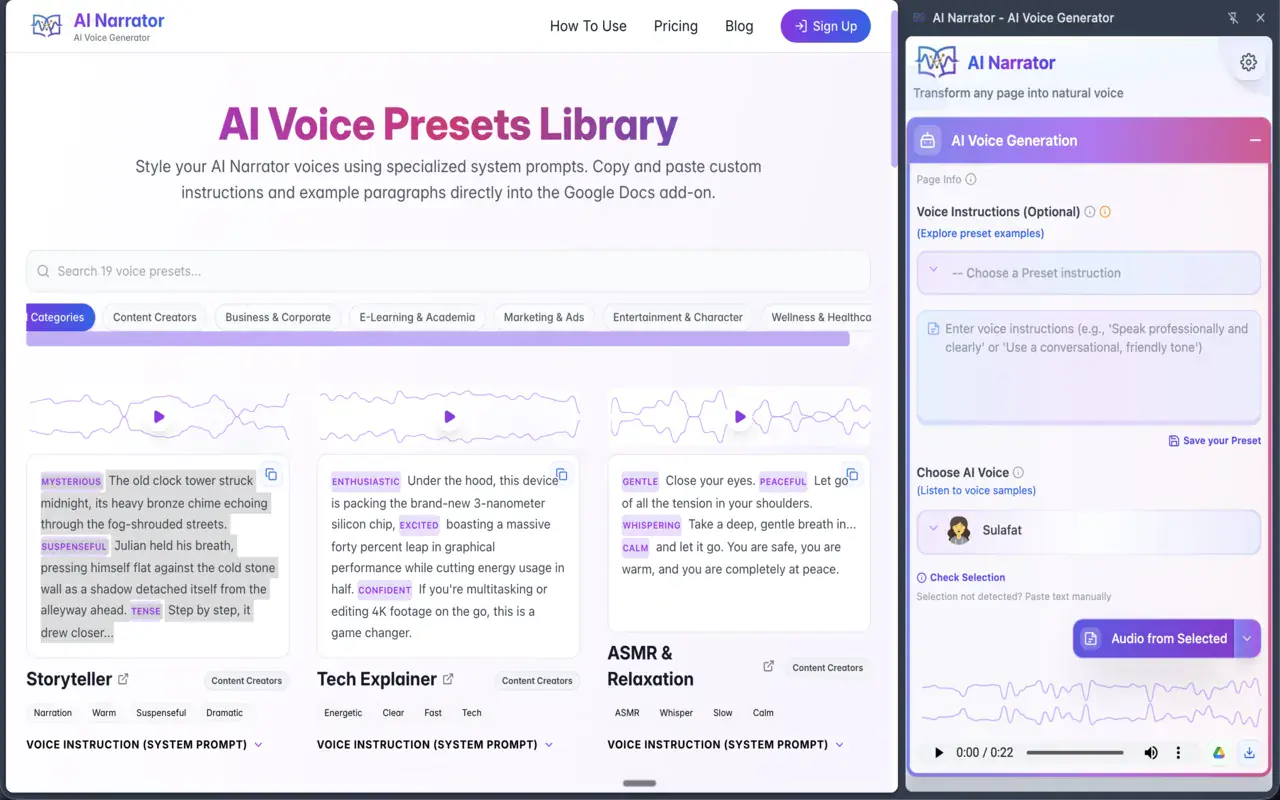
Choose from male and female voices ranging from warm and conversational to authoritative and deep — tuned for e-learning, podcasting, audiobooks, and social media.
Voice Presets
Start quickly with pre-configured styles: Storyteller, Tech Explainer, Documentary Narrator, Vlog & Casual Talk, Executive Pitch, and more. Save custom presets for reuse.
Custom Tone & Instructions
Fine-tune delivery with natural language instructions (e.g., "Speak energetically" or "Use a calm, instructional tone") for dynamic, context-aware narration.
Content Analysis
Go beyond reading with AI-powered analysis. Detect document type, evaluate tone and engagement, and get actionable recommendations to improve your writing.
Docs & Web Support
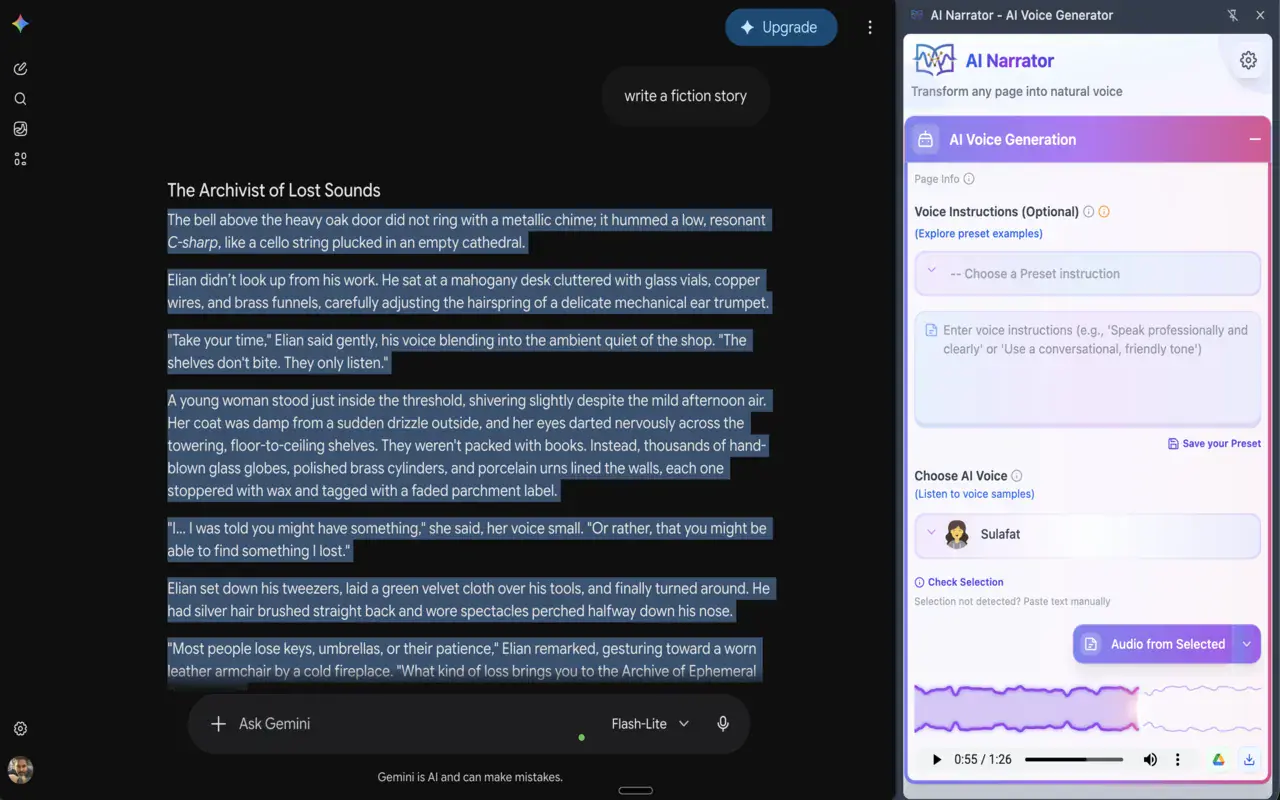
Works with Google Docs, ChatGPT, and any webpage. Read entire documents or selected sections with one click. Smart text extraction handles tables, lists, and formatted content.
Drive Export & Audio Download
Save audio directly to Google Drive in a dedicated AI Narrator folder. Download WAV files for video editing, podcasts, or presentations. Built-in waveform player included.
Multilingual
Available in 22+ languages with automatic detection and one-click switching.
Privacy First
Your Gemini API key stays in your browser (Chrome storage), sent only to the Gemini API. Your data stays in your Drive and our servers — never shared with third parties.
Master Narration
Learn what makes great narration:
- Convert any webpage into spoken audio instantly
- Create custom characters from your own recordings
- Pick styles for storytelling, education, and business
- Adjust tone and delivery with custom instructions
- Choose the right personality for each content type
- Save and organize recordings for reuse
Content Analysis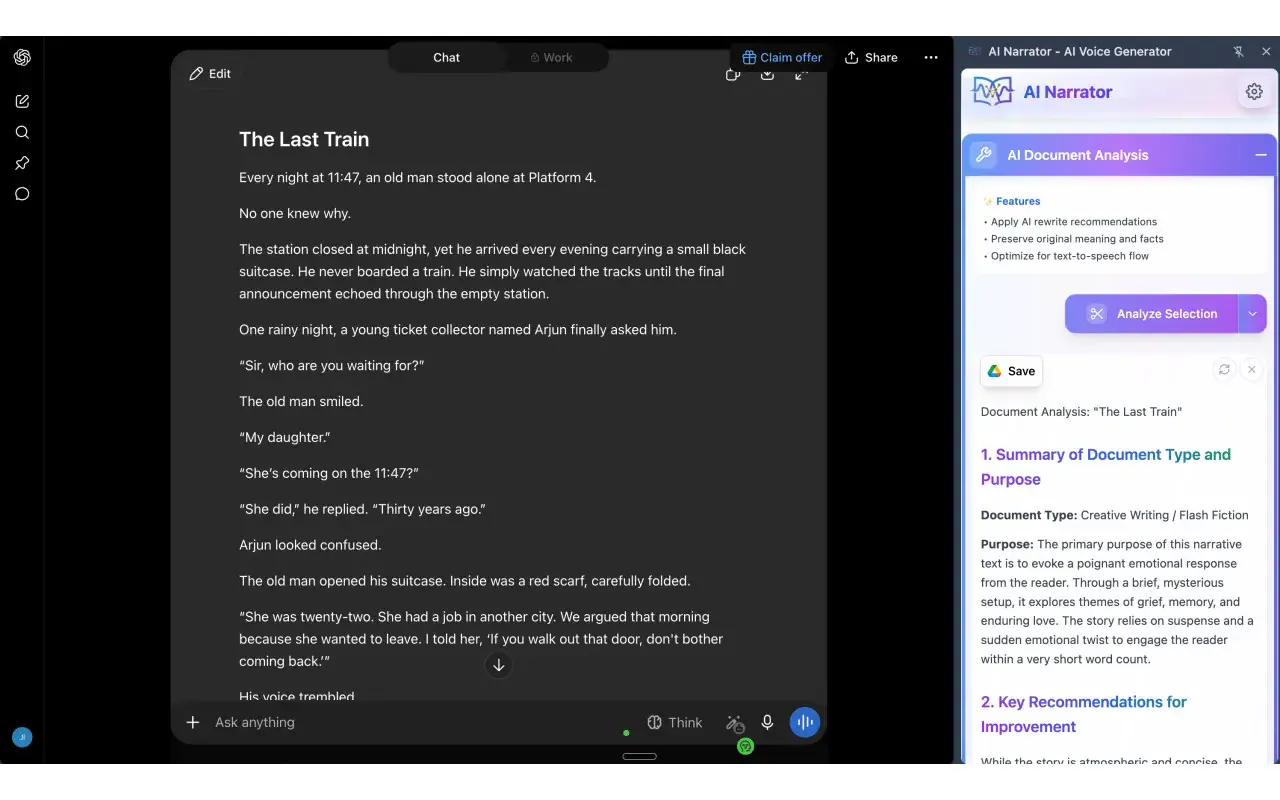
Install AI Narrator in Chrome
Follow these simple steps to install AI Narrator from the Chrome Web Store in under a minute.
1
Open the Chrome Web Store
Visit the AI Narrator listing in the Chrome Web Store by clicking the install button below.
2
Add to Chrome
Click "Add to Chrome" and confirm by selecting "Add extension" in the popup. Installation takes just a few seconds.
3
Start Using AI Narrator
Pin the AI Narrator icon to your toolbar, open it, and instantly turn any text into natural-sounding speech.
Get Your Gemini AI API Key
Follow our step-by-step video tutorial to get your free API key from Google AI Studio.
1
Go to Google AI Studio
Visit aistudio.google.com and sign in with your Google account. This is where you'll manage your API keys.
2
Create an API Key
Click "Get API key" and then "Create API key". Choose your Google Cloud project or create a new one.
3
Copy and Save Your Key
Copy your new API key and save it securely. You'll need this key to use AI Narrator with your own Gemini API.
Free API Key
Get your API key at no cost from Google AI Studio
Secure & Private
Your API key stays in your Google account
Instant Setup
Start using AI Narrator with your own API in minutes