Limited Time Free
AI Voice for Canva
Turn any text in your Canva design into a natural AI voiceover. Add studio-quality narration to Canva videos, presentations, reels, and stories in seconds — no microphone, no API key.
Why Add AI Voiceovers to Canva?
Free Text to Speech
Every Canva user gets a free monthly allowance of AI narrations. Generate before you commit — no card required.
Built for Video & Slides
Runs on Canva timeline designs — video, presentation, Reels, and story formats.
Add to Design in One Click
Generated audio lands on your Canva timeline as a real track you can trim, reorder, and publish.
Your Voiceover, Right Inside the Canva Editor
Open the AI Narrator app panel in Canva, paste or select your script, pick a voice, and generate. The narration is produced without ever leaving your design — no tab-switching, no separate audio tool.
From Text to Spoken Audio in Seconds
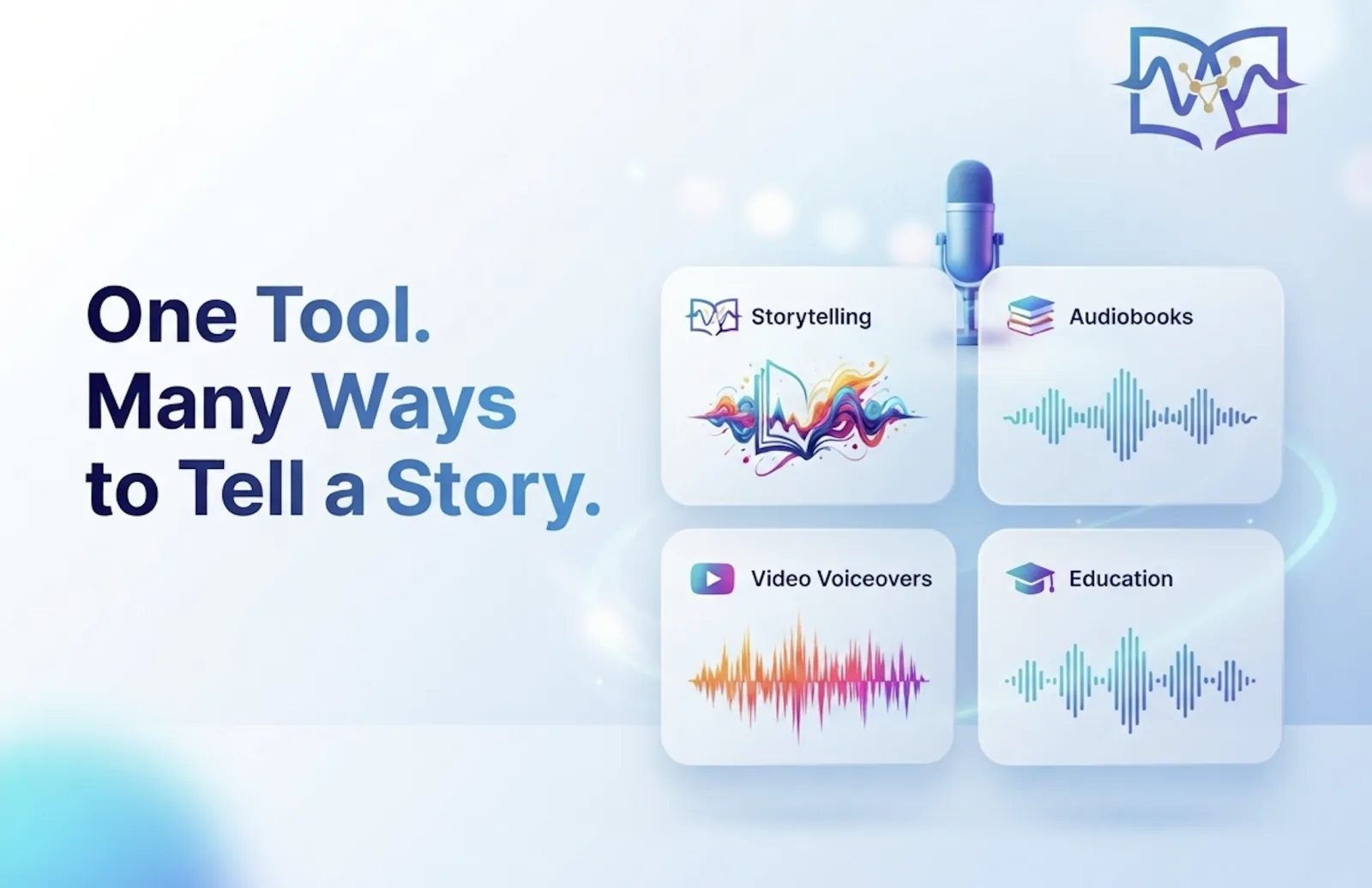
Type your script, choose from 29+ natural AI voices and 19 delivery presets, then hit Generate. Studio-quality speech is written straight to your Canva timeline as a track you can trim, layer, and publish.
Everything Inside the AI Narrator Canva App
A full voiceover studio in the Canva side panel — built for creators who want consistent, studio-quality narration without leaving their design.
- Voice library — 29+ Gemini voices with labelled styles and use cases, so you match the voice to the content instead of guessing.
- Preset instructions — 19 ready-made delivery styles in six categories, plus custom instructions you can write and lock for reuse.
- Full tone control — ask for "a calm, instructional tone" or "high-energy, punchy" and the narration follows your direction.
- Free monthly allowance — synthesis runs on our servers with no API key to create, paste, or secure; upgrade only if you need higher limits.
- Timeline-ready output — WAV upload plus Add to Design as an audio track, with a media-library fallback for designs that don't support tracks.
- Safety and privacy — text is processed only to generate the narration and is screened server-side against a content blocklist.
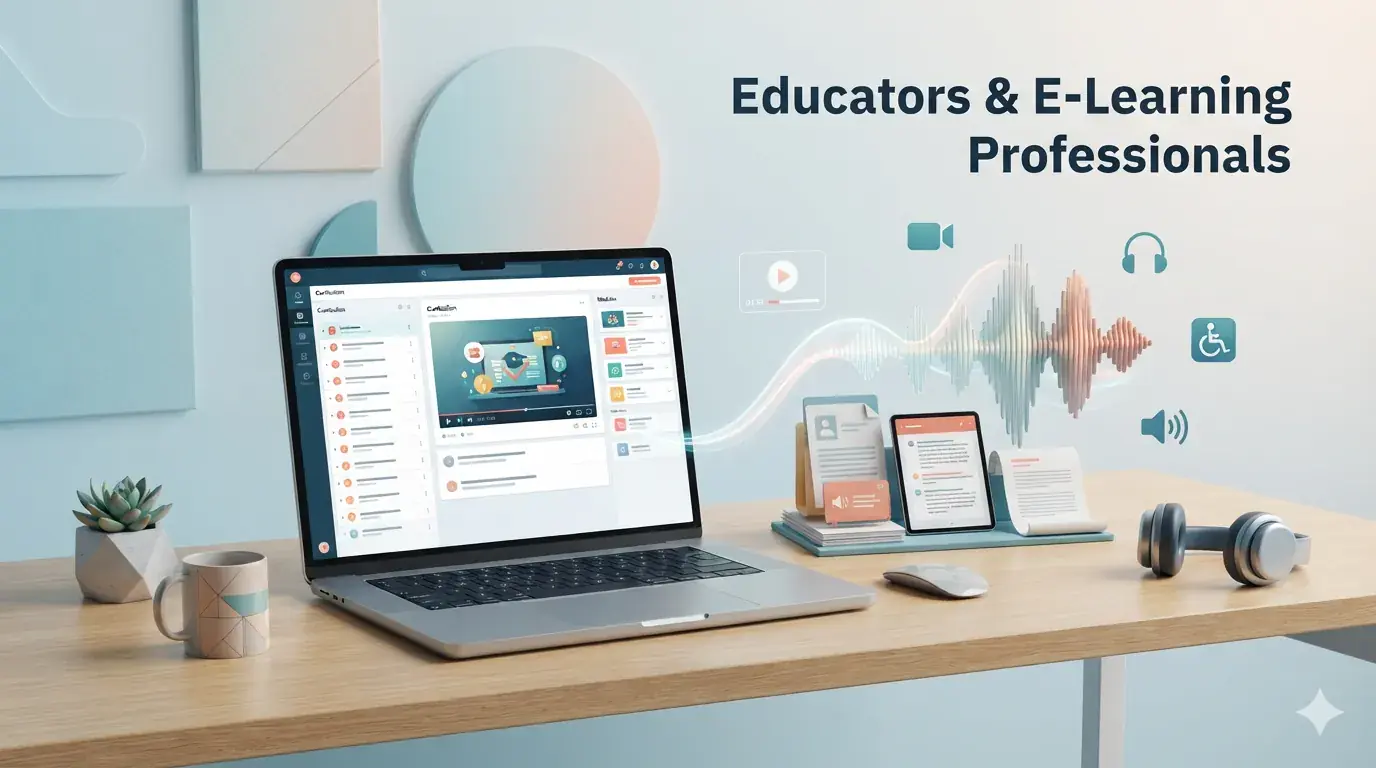
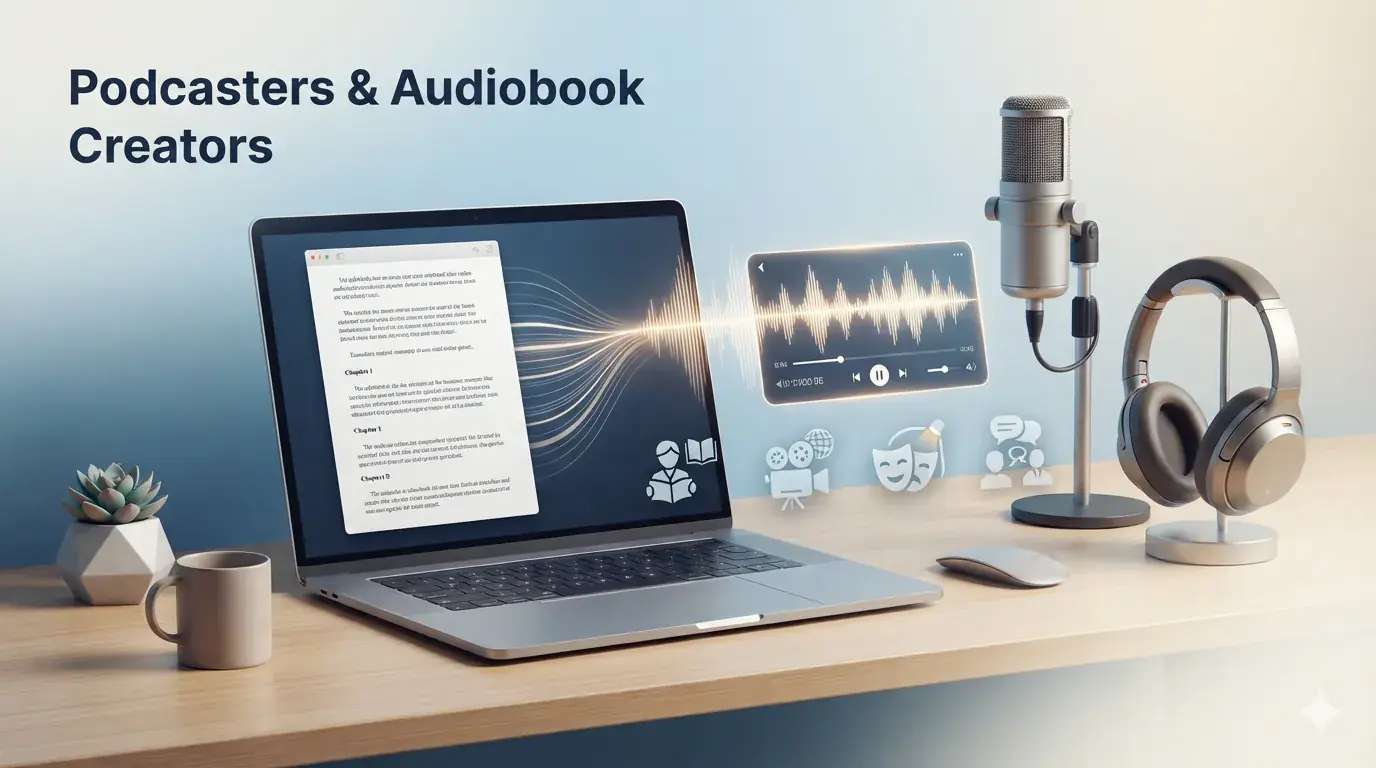
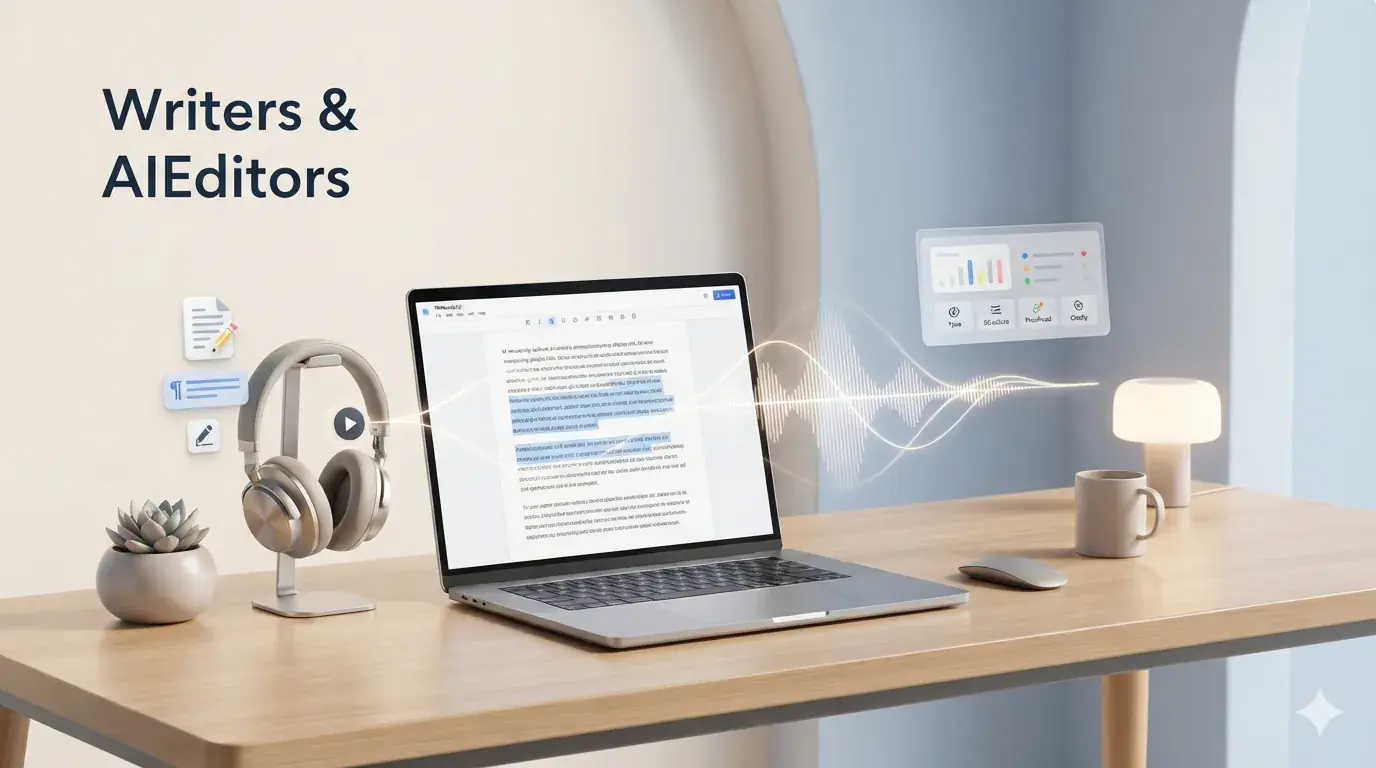
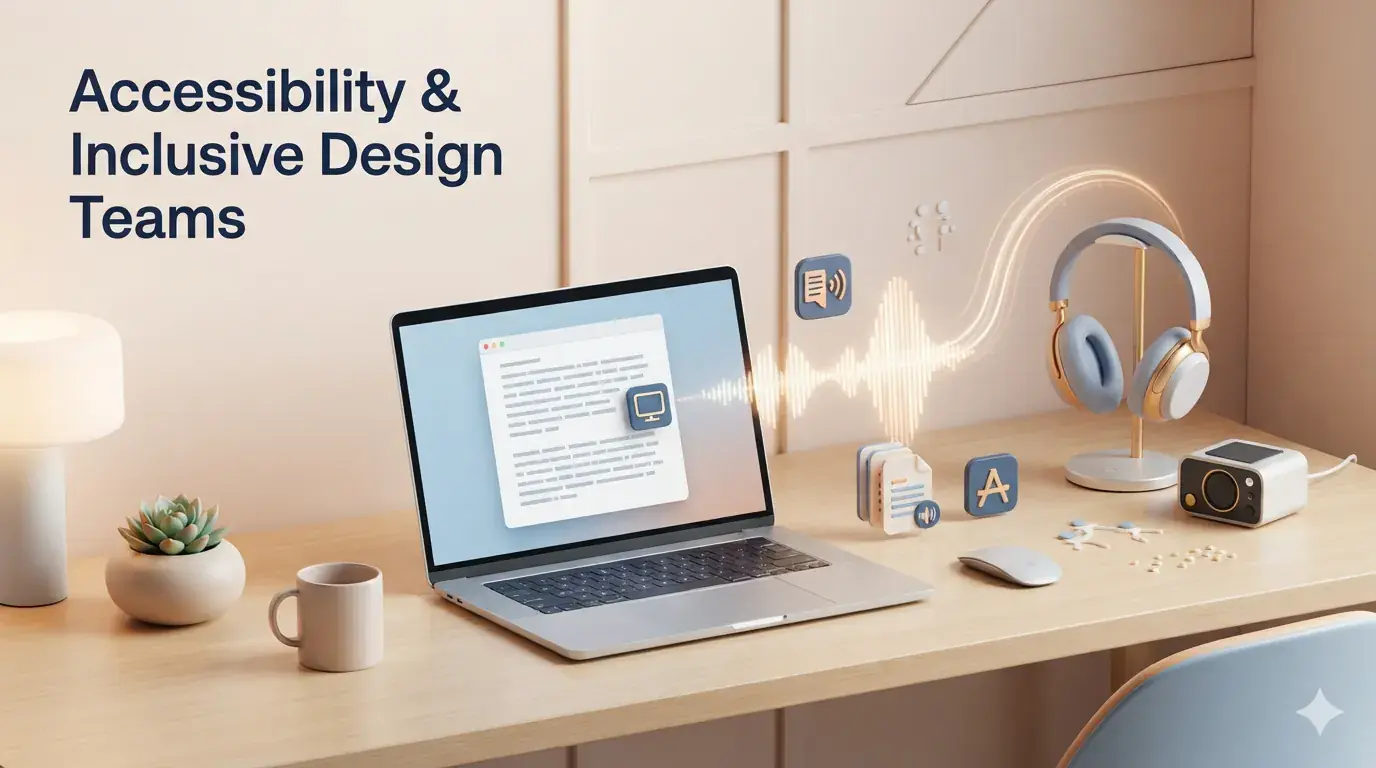
Who Uses AI Narrator in Canva?

Troubleshooting & Limits
- Video designs only — the app adds a voiceover track to a timeline, so open a video or presentation design to generate.
- Allowance used up — link your AI Narrator account to keep the plan you already have, or upgrade to Pro for higher limits.
- Generation blocked — text that isn't allowed to be narrated is caught before synthesis, and daily model limits reset at midnight Pacific Time.
Technical Specifications
- Output: WAV audio, added to the Canva timeline or uploaded to your media library.
- Voices: 29+ Gemini voices with 19 instruction presets in six categories.
- Design types: Canva video and presentation (timeline) designs.
- Setup: none — no API key, extension, or download required.
How to Add an AI Voiceover to a Canva Design
Five steps from text to timeline — no microphone, no audio editor, no API key.
Open a Video or Presentation Design
Canva timelines live on video and presentation designs. Open the design you're working on, or start a new video from a template.
Select Your Text
Highlight a title, caption, or full script on the canvas. Nothing selected? Paste your script straight into the AI Narrator panel.
Pick a Voice and Preset
Choose a Gemini voice, then set the delivery with a preset like Storyteller, Tech Explainer, or Commercial Voiceover — or type your own instruction.
Generate AI Voice
Press Generate AI Voice and preview the narration in the waveform player. Swap voice or tone and regenerate as often as you like.
Add to Design
Upload the WAV onto your Canva timeline — ready to trim against your frames and publish.
Frequently Asked Questions
Everything you need to know about AI Narrator
Quick Answer
What is AI Narrator and is it free?
AI Narrator is an AI text-to-speech and AI voice generator that turns written text into natural-sounding audio using 29+ AI voices across 22+ languages. You can use it on the web, in Google Docs, through the Chrome extension, or with the Telegram bot. Start for free with no credit card required, and generate professional voice audio from your text in just a few clicks.
Yes. Every Canva user gets a free monthly allowance of AI narrations, so you can generate and add voiceovers without a card. Link an AI Narrator account or upgrade to Pro if you need higher limits.
It works on any design with a timeline — Canva video and presentation designs. Select text, generate, then Add to Design to place the narration on the timeline. Static single-page designs have no timeline, so the panel shows a short guide instead.
No. There is no key to create or paste — AI Narrator synthesizes the audio for you. Select your text and press Generate AI Voice.
29+ natural Gemini voices across male and female styles — bright, warm, firm, breathy, and authoritative among them — plus 19 preset instructions covering content creation, business, e-learning, marketing, entertainment, and wellness. You can also write your own.
Yes. Audio you generate and add to your design is yours to publish with your design — social clips, ads, explainers, and courses. Confirm rights for any third-party assets you combine it with.
The panel needs a design with a timeline. Open a video or presentation design, make sure text is selected (or paste it in), and try again. If you have hit your limit, link your AI Narrator account to continue.
Ready to Add AI Voices to Canva?
Start narrating your Canva designs with 29+ natural AI voices and 19 presets — free to try, no API key required.
Start in Canva