How to Use AI Narrator: Step-by-Step Google Docs Integration GuideCome usare
Inizia in pochi minuti con il nostro semplice processo in 3 passaggi3 semplici passaggi per iniziare
Risposta rapida
Cos'è AI Narrator ed è gratuito?
AI Narrator è un generatore di voce e sintesi vocale basato su IA che trasforma il testo scritto in audio dal suono naturale utilizzando oltre 29 voci IA in più di 22 lingue. Puoi utilizzarlo sul web, in Google Docs, tramite l'estensione di Chrome o con il bot di Telegram. Inizia gratuitamente senza carta di credito richiesta e genera audio vocale professionale dal tuo testo in pochi clic.
1
Passaggio 1: installa il componente aggiuntivo AI Narrator
Crea una copia del collegamento di Google Documenti.

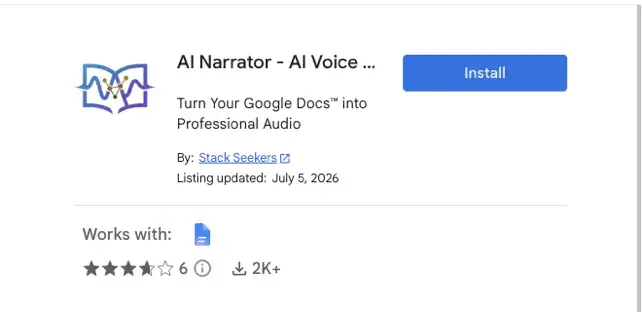
Testo in voce2
Passaggio 2: apri la barra laterale dell'Assistente vocale AI
L'interfaccia apparirà sul lato destro con tutti i controlli.
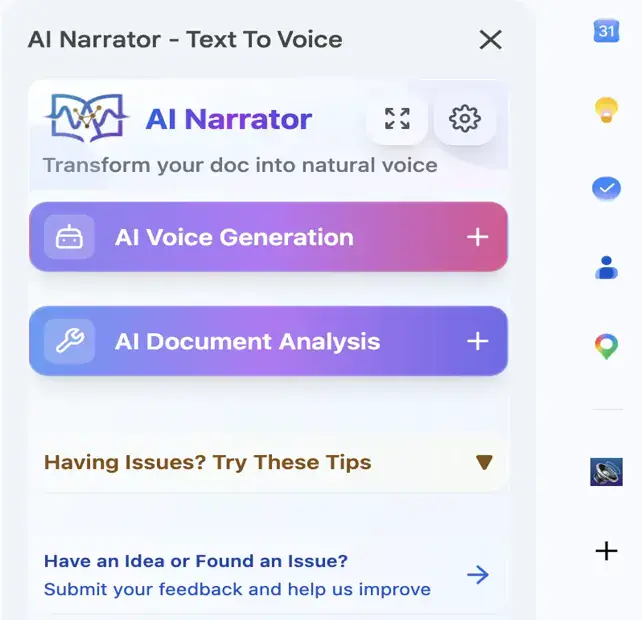
Fai clic su "Apri barra laterale"
3A
Generazione vocale AI
Scegli tra oltre 29 voci IA professionali. Seleziona il testo o converti interi documenti in audio di alta qualità.30+
Voce AI → Gioca!3B
Analisi dell'intelligenza artificiale
Ottieni approfondimenti basati sull'intelligenza artificiale sul contenuto, sulla struttura e sui consigli per il miglioramento dei tuoi documenti.
Analisi Doc → Approfondimenti!