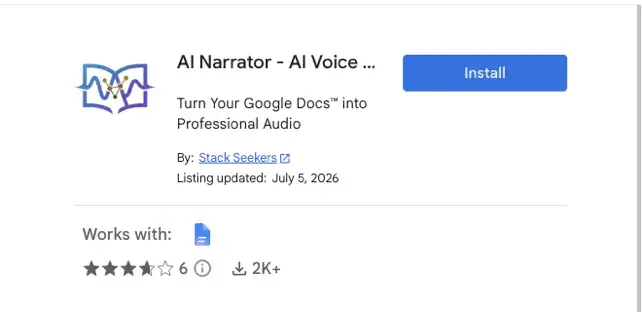
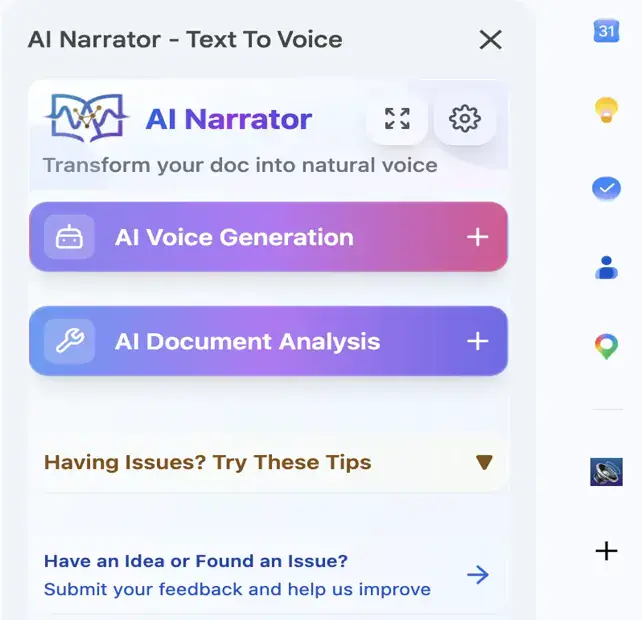
AI ভয়েস দিয়ে আপনার Google Docs শোনুন
৩ মিনিটেরও কম সময়ে AI Narrator ইনস্টল করতে আমাদের ধাপে ধাপে ভিডিও গাইড অনুসরণ করুন।
- 1
Google Workspace Marketplace খুলুন
Google Workspace Marketplace-এ যান এবং "AI Narrator" অনুসন্ধান করুন অথবা নিচের ইনস্টল বাটনে ক্লিক করুন।
- 2
অ্যাড-অন ইনস্টল করুন
"ইনস্টল" এ ক্লিক করুন এবং আপনার Google অ্যাকাউন্ট দিয়ে অ্যাড-অনকে অনুমোদন দিন। প্রক্রিয়াটি মাত্র কিছু সেকেন্ড সময় নেয়।
- 3
Google Docs-এ ব্যবহার শুরু করুন
যেকোনো Google Doc খুলুন, Extensions মেনু থেকে AI Narrator অ্যাক্সেস করুন এবং টেক্সটকে প্রাকৃতিক কণ্ঠে রূপান্তর করতে শুরু করুন।
আপনার Gemini AI API কী পান
Google AI Studio থেকে আপনার বিনামূল্যের API কী পেতে আমাদের ধাপে ধাপে ভিডিও টিউটোরিয়াল অনুসরণ করুন।
- 1
Google AI Studio-এ যান
aistudio.google.com ভিজিট করুন এবং আপনার Google অ্যাকাউন্ট দিয়ে সাইন ইন করুন। এখানেই আপনি আপনার API কী পরিচালনা করবেন।
- 2
একটি API কী তৈরি করুন
"API কী পান" এ ক্লিক করুন এবং তারপর "API কী তৈরি করুন"। আপনার Google Cloud প্রজেক্ট নির্বাচন করুন অথবা একটি নতুন তৈরি করুন।
- 3
আপনার কী কপি এবং সংরক্ষণ করুন
আপনার নতুন API কী কপি করুন এবং নিরাপদে সংরক্ষণ করুন। AI Narrator আপনার নিজের Gemini API দিয়ে ব্যবহার করতে এই কী প্রয়োজন হবে।
Free API Key
Get your API key at no cost from Google AI Studio
Secure & Private
Your API key stays in your Google account
Instant Setup
Start using AI Narrator with your own API in minutes
Google Docs-এর জন্য AI Narrator কেন?
AI-চালিত বিষয়বস্তু বিশ্লেষণ
সাধারণ বর্ণনার বাইরে যান: উন্নত AI দিয়ে আপনার নথির গঠন, লেখার শৈলী এবং প্ররোচনামূলক কৌশলগুলি বিশ্লেষণ করুন।
- নথির প্রকার এবং দর্শক সনাক্তকরণ — স্বয়ংক্রিয়ভাবে সনাক্ত করে আপনি কী লিখছেন (স্ক্রিপ্ট, ব্লগ, রিপোর্ট, ইমেল) এবং আপনার দর্শকদের সাথে বিশ্লেষণটি মিলিয়ে নেয়।
- স্টাইল এবং এনগেজমেন্ট বিশ্লেষণ — সুর, স্পষ্টতা, গতি এবং মানসিক প্রভাব মূল্যায়ন করে যাতে আপনি বুঝতে পারেন কেন আপনার বিষয়বস্তু কাজ করে।
- কার্যকরী সুপারিশ — সাধারণ পরামর্শের পরিবর্তে ধাপে ধাপে, বাস্তব পরামর্শ, যাতে আপনি ঠিক জানেন কোন কৌশলগুলি গ্রহণ এবং প্রতিলিপি করতে হবে।
- Google Docs™-এ প্রতিবেদন রপ্তানি করুন — সরাসরি AI সুপারিশ প্রয়োগ করুন এবং ভবিষ্যতের রেফারেন্সের জন্য আপনার "AI Narrator" ড্রাইভ ফোল্ডারে সম্পূর্ণ HTML প্রতিবেদন সংরক্ষণ করুন।
- পরিমার্জিত সাইডবার UI — পতনযোগ্য বিভাগ, বিস্তারিত বিবরণ সহ ভয়েস ড্রপডাউন, রিয়েল-টাইম স্ট্যাটাস আপডেট, লোডিং নির্দেশক এবং সহায়ক ত্রুটি বার্তা।
- গোপনীয়তা প্রথম — API কীগুলি সুরক্ষিত Apps Script বৈশিষ্ট্যগুলিতে থাকে এবং নথির বিষয়বস্তু তৈরি এবং বিশ্লেষণের জন্য ক্ষণিকের জন্য প্রক্রিয়া করা হয়, তারপরে ফেলে দেওয়া হয়। কার জন্য AI Narrator?
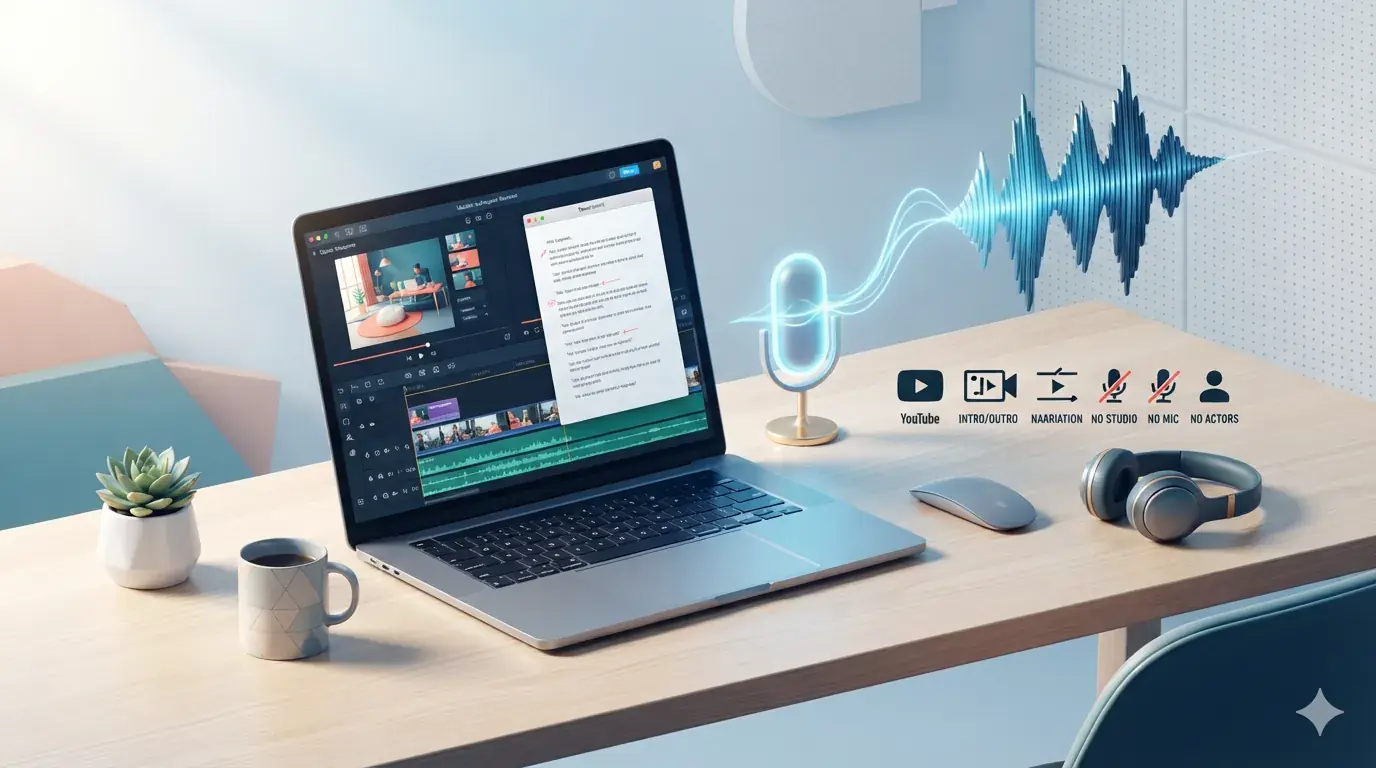
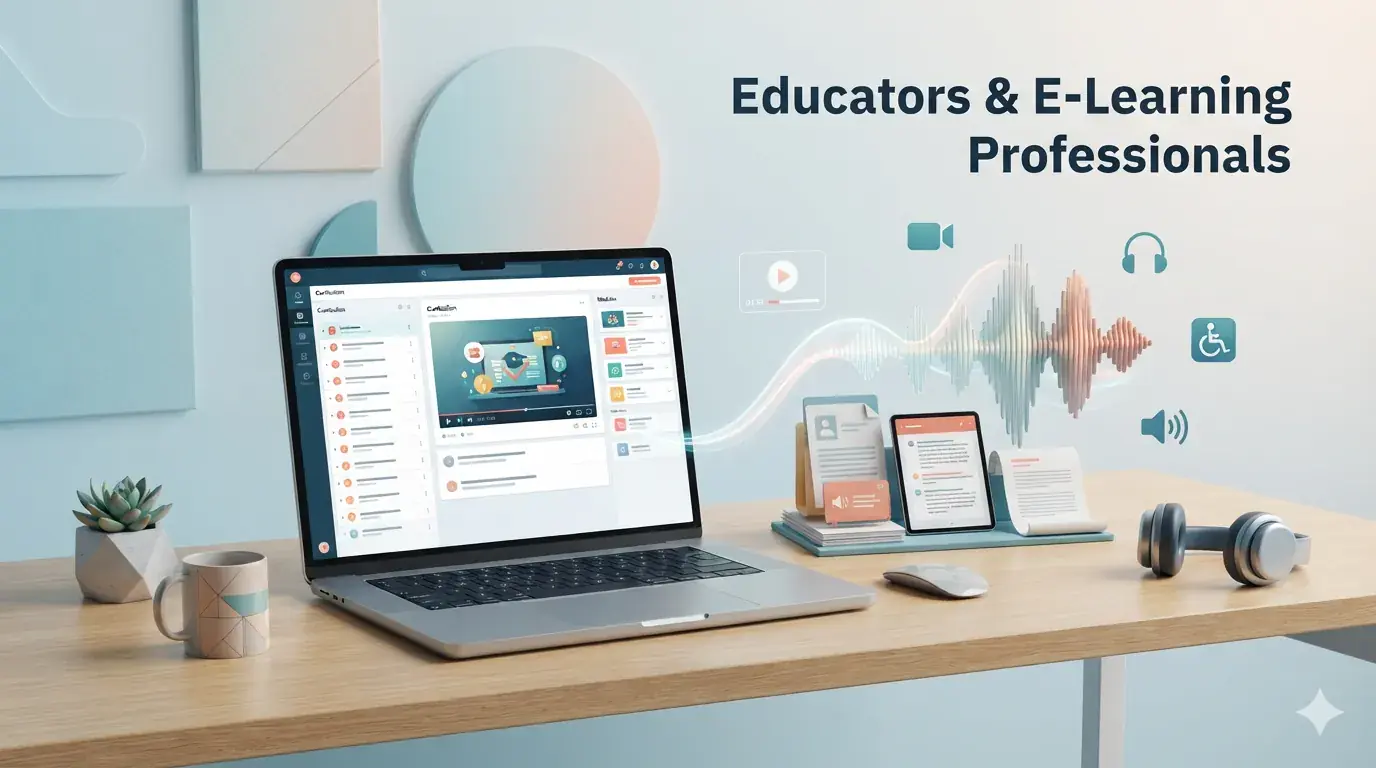
AI Narrator কার জন্য?


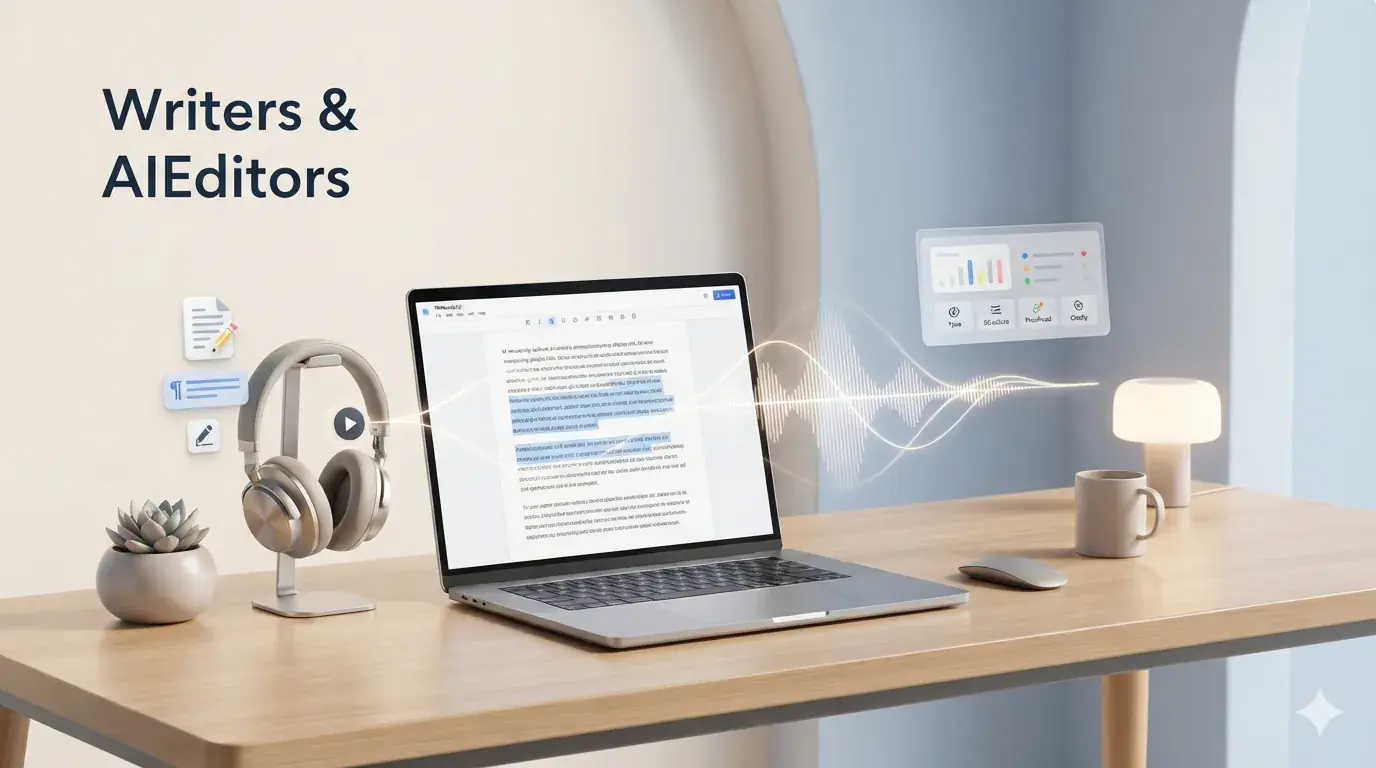
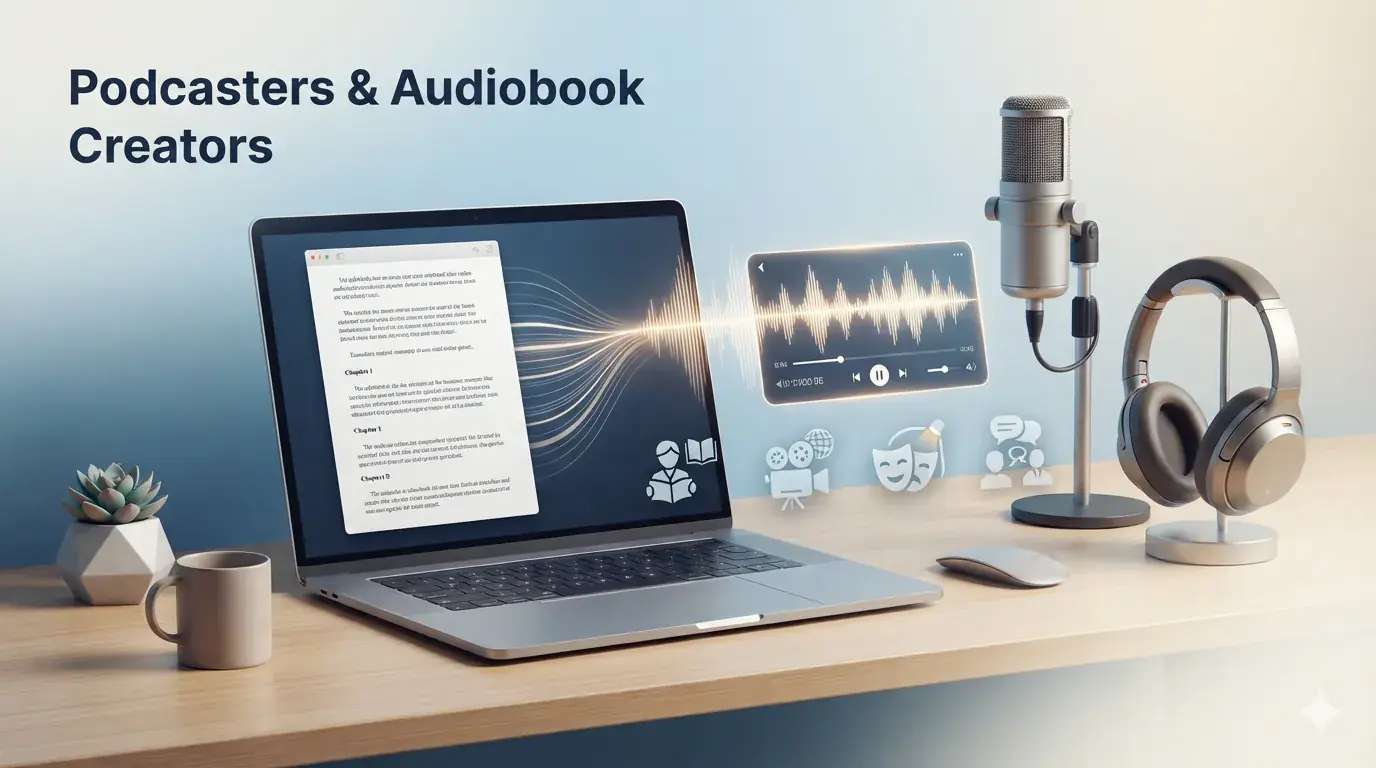
অন্তর্নির্মিত ত্রুটি হ্যান্ডলিং
- API এবং কোটা সমস্যার সাথে স্পষ্ট নির্দেশিকা এবং Google-এর রেট লিমিট ডকুমেন্টেশনের সরাসরি লিঙ্ক থাকে, সাথে ক্ষণস্থায়ী ত্রুটির জন্য স্বয়ংক্রিয় রিট্রাই লজিক থাকে।
- সেটআপের সময় রিয়েল-টাইম ভ্যালিডেশন ফিডব্যাক সহ অবৈধ API keys অবিলম্বে সনাক্ত করা হয়।
- আকার এবং ক্যারেক্টার সীমার স্পষ্ট নির্দেশিকা সহ বড় ডকুমেন্ট এবং জটিল ফরম্যাটিং বুদ্ধিমত্তার সাথে হ্যান্ডেল করা হয়।
প্রযুক্তিগত বৈশিষ্ট্য
- ১৫ এমবি পর্যন্ত ডকুমেন্ট সমর্থন করে।
- প্রতি অনুরোধে ১০,০০০ ক্যারেক্টার পর্যন্ত AI ভয়েস জেনারেট করে।
- প্রতি অনুরোধে 30,000 ক্যারেক্টার পর্যন্ত বিশ্লেষণ করে।
- রিট্রাই লজিক এবং এক্সপোনেনশিয়াল ব্যাকঅফ সহ স্বয়ংক্রিয় মডেল ফলব্যাক চেইন পিক লোডের সময় পরিষেবাটি চালু রাখে।
পড়ার পরিবর্তে শোনার জন্য প্রস্তুত?
আপনার নথিগুলো প্রতিদিন পেশাদার অডিওতে রূপান্তর করুন। চিরকাল বিনামূল্যে।